
Fix It Fast. Swing
With Confidence.
 Get Started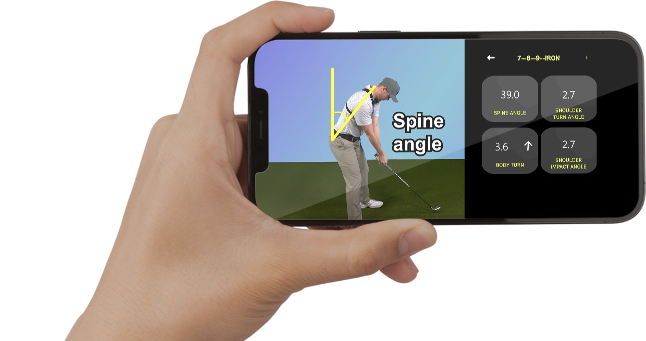
Select a category below to see all the questions with the detailed explanations
Start Here (Required)
Below are solutions to the most common issues users experience with the App.
Note: Before trying anything else, please watch the video below.
Complete all steps in the checklist below before trying anything else.
Quick Checklist
- Do NOT put your phone in Airplane Mode (internet is required for App Store / Google Play verification)
- Turn Wi-Fi OFF unless Wi-Fi is required for your internet connection
- Close all background apps or restart your phone
- Turn Do Not Disturb ON so notifications don’t interrupt the App
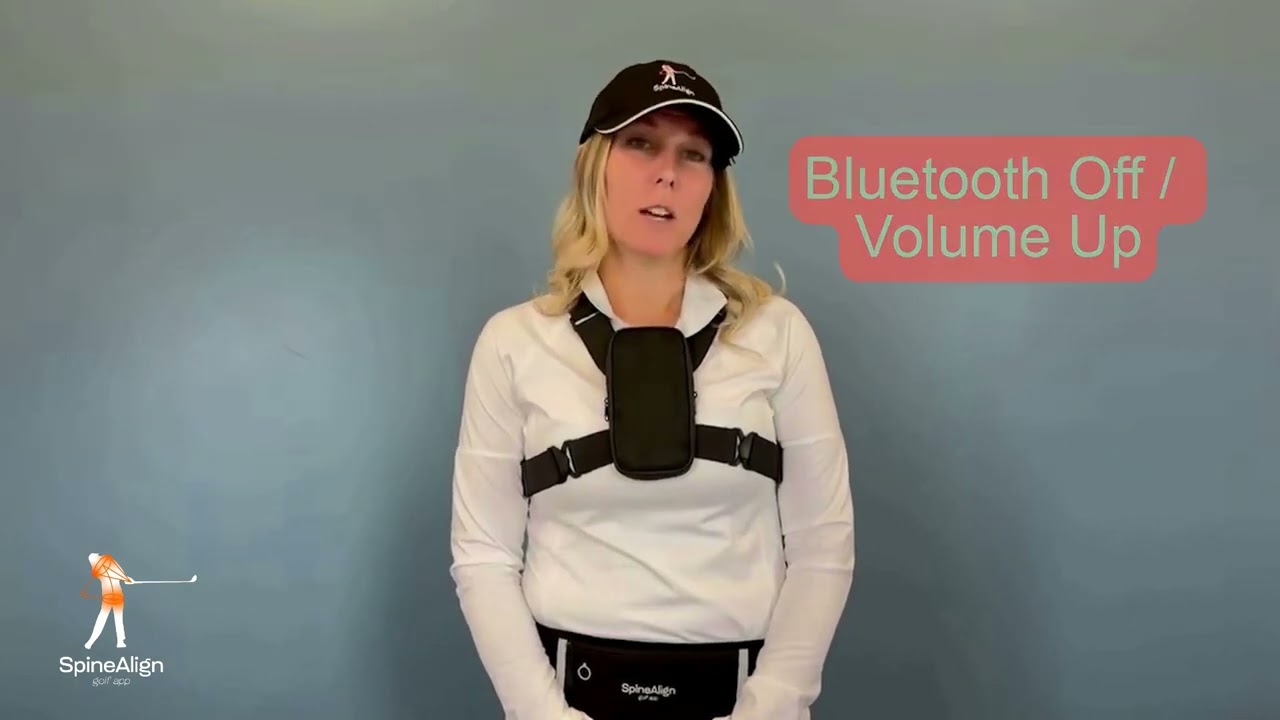
- Turn Bluetooth OFF (unless using a compatible headset)
- Turn your volume UP
Warm up the App before use:
- Hold phone against your chest
- Select the 7-Iron button
- Repeat with the Hip Turn function a few dozen times
- Only then use the vest or belt
Voice Commands & App Controls
Below are solutions to the most common issues users experience with the App.
Note: Before trying anything else, please watch the video below.
- Complete the Quick Checklist
- Restart your phone
- Open the App again and try the command
- Recheck the Quick Checklist
- Say the “Record” command at least twice
- Test recording with the phone outside the vest
- Restart your phone if the issue continues
Audio Feedback Issues
Below are solutions to the most common issues users experience with the App.
Note: Before trying anything else, please watch the video below.
- Repeat the command a few times loudly
- Keep your chin tucked toward your chest
- Confirm phone orientation matches your screen setting:
- Default mode: screen facing your chest
- “Outside Chest” mode: screen facing away from your chest
- Recheck the Quick Checklist
This is normal.
- Spine Angle feedback plays only during the first half of the backswing
- It then switches automatically to Shoulder Turn Angle feedback
- Complete the Quick Checklist
- Test the phone outside the belt
- Make sure no side buttons or the screen were pressed while inserting the phone
- Confirm the screen remains active
- Try moving the belt to the back position
- Many golfers discover their hip or leg turns are too flat — review the Hip Belt tutorial video
Vest & Hip Belt Setup
Below are solutions to the most common issues users experience with the App.
Note: Before trying anything else, please watch the video below.
- Revisit the Quick Checklist
- Reset your vest every 5 practice swings
- Re-Zero the App more frequently
- Make sure vest straps are tight
- Try both vests to determine the best fit for your body
Swing Feedback & Mechanics
Below are solutions to the most common issues users experience with the App.
Note: Before trying anything else, please watch the video below.
- Many amateur golfers do not reach 40°+ shoulder angle at impact
- Your minimum goal is to hear the “YES” audible
Focus on these mechanics:
- Drop the right side at impact
- Rotate using the lower body
- Keep the right elbow close to your body
- Avoid lifting up through impact
Recording & Tempo
Below are solutions to the most common issues users experience with the App.
Note: Before trying anything else, please watch the video below.
Yes. When using the Record command, review your swing video for timing:
- Backswing: at least 2 seconds
- Downswing: about 1 second